

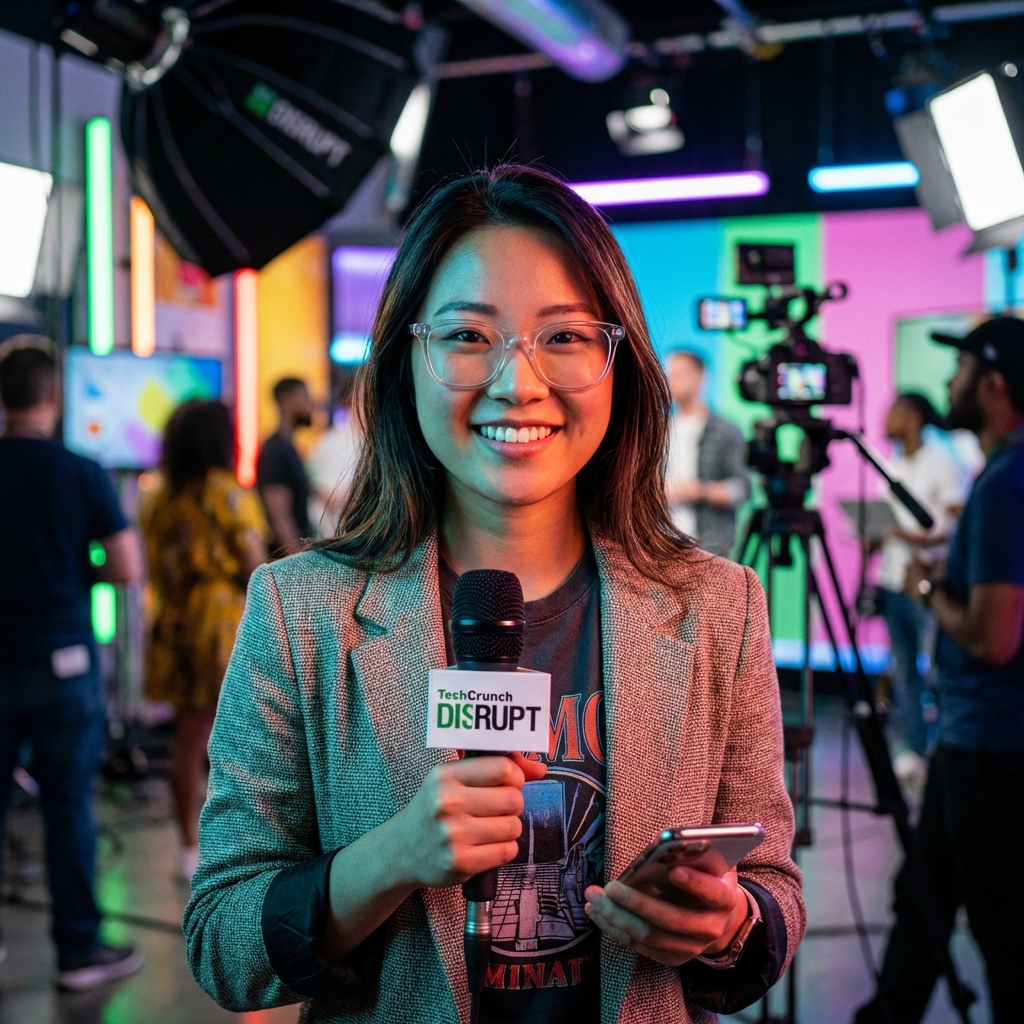
 Michael Ross
By the end of 2025, the average global internet user will generate approximately 150 gigabytes of data every single day, yet over 92% of all personal data in the Western world is currently stored on servers owned by just four corporations. This staggering concentration of digital assets—photos, legal documents, private messages, and biometric data—has created a paradigm of "Digital Feudalism," where individuals provide the raw material (data) in exchange for access to platforms they do not own and can be evicted from at any moment without due process.
The Great Enclosure: The End of the Digital Commons
The first decade of the consumer cloud was defined by the "Digital Honeymoon." Corporations like Google, Apple, and Dropbox offered seemingly infinite storage for free or at negligible costs. This was a strategic customer acquisition phase designed to make physical storage feel obsolete. By 2021, however, the landscape shifted. Google Photos ended its unlimited free storage tier, and subscription prices across the board began to climb, outpacing inflation in many regions.
Industry analysts call this "The Great Enclosure." Much like the historical enclosure of common lands in 18th-century England, the digital commons are being fenced off. Users are no longer purchasing products; they are renting their own memories. If a user stops paying their $9.99 monthly "tax," their access to a decade of family history can be restricted or deleted. This post-subscription world demands a return to digital self-sovereignty.
The Security Fallacy: Why Centralized Clouds are Liabilities
Centralized storage creates "honeypots"—massive repositories of data that are irresistible to state-sponsored hackers and cybercriminals. When a single entity manages the encryption keys for millions of users, a single point of failure puts everyone at risk. According to recent cybersecurity reports, data breaches involving centralized cloud providers increased by 32% in the last fiscal year, exposing billions of records.
Beyond external hacks, there is the issue of "Internal Governance." Terms of Service (ToS) are frequently updated to allow providers to scan private files for "policy violations." While often framed as a safety measure, this algorithmic surveillance means that your private cloud is never truly private. It is a glass box monitored by automated systems that lack nuance and context.
Defining the Decentralized Personal Cloud (DPC)
A Decentralized Personal Cloud (DPC) is not a single product but a philosophy of data management supported by three pillars: Local Ownership, Peer-to-Peer Distribution, and End-to-End Encryption. Unlike a standard external hard drive, a DPC offers the convenience of the cloud—remote access, file sharing, and mobile synchronization—without the middleman.
In a DPC model, the user typically owns a small, low-power server located in their home. This server connects to a network of other nodes. When you save a file, it is encrypted locally, split into hundreds of tiny shards, and distributed across the network. Only your private key can reassemble these shards. Even if the hardware at your home is destroyed, your data remains accessible and intact via the distributed network.
Sharding and Redundancy
The magic of the DPC lies in "Erasure Coding." Instead of making a simple copy of a file, the system breaks the file into pieces and adds mathematical redundancy. For example, a file might be broken into 30 pieces, but any 10 of those pieces are enough to reconstruct the original. This ensures 99.9999% durability even if half the network goes offline simultaneously.
The Hardware Renaissance: From Raspberry Pi to Sovereign Servers
For years, self-hosting was the domain of tech enthusiasts and Linux experts. However, a new wave of "Plug-and-Play" sovereign hardware is democratizing the process. Companies like Start9, Umbrel, and Synology are creating operating systems that look and feel like an iPhone interface but run entirely on hardware you own.
These devices serve as the "brain" of the home. They run personal versions of applications we’ve grown to rely on: Nextcloud (a replacement for Google Drive), PhotoPrism (a replacement for Google Photos), and Vaultwarden (a replacement for LastPass). The difference? There is no "account" to be banned. There is no server to be shut down. You are the administrator of your own digital universe.
| Feature | Centralized (Google/Apple) | Decentralized (Self-Hosted/DPC) |
|---|---|---|
| Ownership | License to use (Tenant) | Absolute Ownership (Landlord) |
| Privacy | Subject to Algorithmic Scanning | Zero-Knowledge Encryption |
| Cost Structure | Monthly Subscription (Forever) | One-time Hardware Cost |
| Data Control | Can be deleted by provider | User-controlled deletion |
Protocol Deep Dive: IPFS, Sia, and the Architecture of Ownership
The backbone of the decentralized movement consists of several key protocols. The InterPlanetary File System (IPFS) is perhaps the most famous. It replaces the traditional "http://" with "ipfs://". While HTTP looks for a file at a specific location (e.g., a server in Virginia), IPFS looks for the file by its content hash. This means if ten people are looking for the same file, they can get it from each other rather than overwhelming a single central server.
Other players like Sia and Storj focus on the economic layer. They create a marketplace where people with excess hard drive space can "rent" it out to others. This creates a global, decentralized data center that is often 90% cheaper than Amazon S3 or Microsoft Azure. For the investigative journalist or the privacy-conscious citizen, these protocols are the digital equivalent of a secure, underground bunker.
The Economic Argument: Breaking the Subscription Cycle
The financial drain of the subscription economy is often underestimated. A family of four using premium cloud storage, photo backup, and professional document suites can easily spend $400 to $600 per year. Over a decade, that is $6,000 paid for the "privilege" of accessing their own information. In contrast, a high-end personal server costs roughly $400 upfront, with an additional $150 every five years for drive replacements.
The Return on Investment (ROI) for a Decentralized Personal Cloud is typically realized within 14 to 18 months. Beyond the direct savings, there is the "hidden" value of data portability. When you own the server, you can switch software applications in minutes without having to "export" terabytes of data across a slow internet connection. The data stays in place; only the interface changes.
The Environmental Impact
Large-scale data centers contribute significantly to global carbon emissions due to massive cooling requirements. Decentralized clouds utilize "dormant" hardware already plugged into the grid—home routers, personal PCs, and dedicated low-power nodes. By distributing the load, we reduce the need for massive, energy-hungry cooling infrastructures in the desert.
Local AI: The Next Frontier of Personal Data
As we enter the era of Artificial Intelligence, the stakes of data ownership have never been higher. Most people currently interact with AI through centralized models like ChatGPT or Gemini. These systems learn from your queries and your uploaded documents, effectively "ingesting" your intellectual property to improve their corporate owners' products.
The "Post-Subscription" world is also a "Local AI" world. With a DPC, you can run Large Language Models (LLMs) locally on your own hardware. This allows you to have an AI assistant that has read every email you've ever written, every book in your library, and every note you've taken—yet none of that data ever leaves your house. This is the ultimate synthesis of productivity and privacy.
Implementation Guide: How to Reclaim Your Data Today
Transitioning to a Decentralized Personal Cloud may seem daunting, but the path is now well-paved. The first step is an audit: identify where your data lives. Most users find their data is scattered across five or more services. The goal is to consolidate this into a single "Source of Truth" that you physically control.
For beginners, the "Two-Step Migration" is recommended. First, purchase a consumer-grade Network Attached Storage (NAS) device from a reputable brand like Synology or QNAP. These devices offer an "app store" experience that lets you install cloud-like features with one click. Once you are comfortable managing your own hardware, you can migrate to more advanced, truly decentralized protocols like Start9’s EmbassyOS, which provides total isolation from corporate backdoors.
The Backup Rule of Three
Owning your data comes with responsibility. The industry standard is the 3-2-1 rule: 3 copies of your data, on 2 different media types, with 1 copy stored off-site. In a decentralized world, the "off-site" copy is often handled automatically by encrypted peer-to-peer protocols, ensuring that even a house fire cannot erase your digital life.
As Reuters and other major outlets have reported, the trend toward digital autonomy is accelerating. We are moving away from the era of "Big Tech as a Service" and toward "The Sovereign Individual." The technology is ready, the economics are clear, and the necessity is undeniable. The only question remains: when will you move your data home?